
Break-Fix vs. Managed IT Support: Which Is Better for Your Business?
If your business technology doesn’t work, you need a solution pronto. The answer will be either: When IT problems happen, fix them or don't let many happen to begin with.
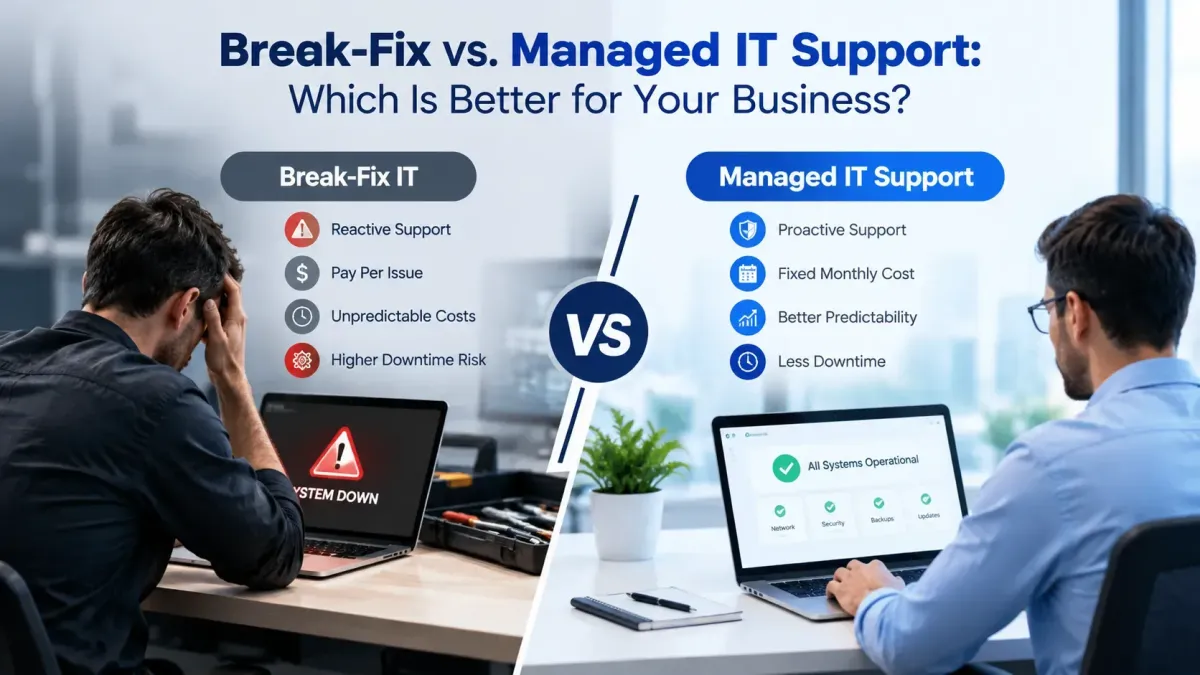
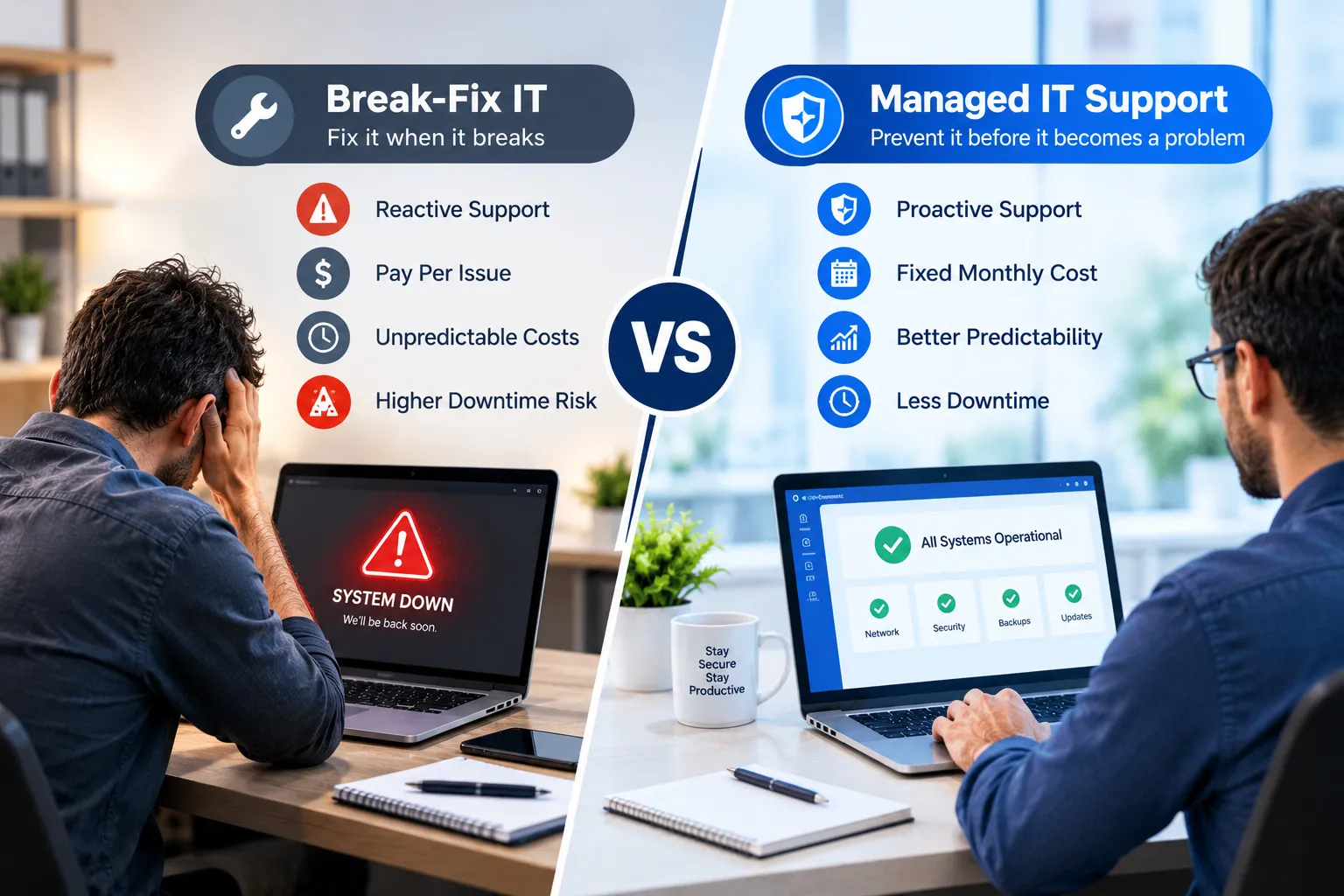
The break-fix IT model follows a reactive approach. If something breaks, you call for assistance and you pay to fix it. Managed IT services operate on the opposite principle, continually monitoring, maintaining and supporting your technology.
Knowing the differences can assist you pick the right model for your business.
What Is the Break-Fix IT Model?
The break-fix IT model is a reactive IT support. An ongoing IT provider doesn't manage your systems, but instead you're calling a technician when you have problems.
If a computer stops working, the network goes down, or an employee cannot access an important application, the business may need IT help desk services to diagnose and resolve the issue. A technician identifies the cause, performs the necessary repairs, and charges for the service.
This can be used for very small businesses, where technology needs are minimal. But if there is a recurring issue, it can be unpredictable and could extend downtime.
Reactive IT Support vs. Proactive IT Support
Reactive IT support occurs after the incident has happened. Where something requires urgent attention, it can be helpful but will not necessarily stop the same issue from recurring.
Proactive IT support anticipates issues prior to their occurrence. Monitoring can detect any unusual activity, outdated software, storage problems or other warning signs that require attention.
It is more valuable to prevent the problem instead of having to respond to it continually, for businesses that depend heavily on technology.
Comparing IT Support Costs
The most significant distinction is the way that IT support costs are paid.
Break fix support means you'll typically only pay for support when you need it. A relatively quiet month can be cheap, and a month with a lot of big issues can be quite expensive.
Typically, managed IT services come with a monthly subscription. This results in more consistent IT expenses, and simplifies IT budget planning for the entire year.
If the result looks the cheapest it might not actually be the cheapest. A reactive approach can be very costly due to downtime, lost productivity, emergency repairs, and repeated failures.
Why IT Monitoring and Maintenance Matters
Technology needs regular attention even when everything appears to be working properly. Devices require updates, security patches, backups, performance checks, and other maintenance.
IT monitoring and maintenance allows potential issues to be identified earlier. Regular preventive IT maintenance can also help extend equipment life and reduce avoidable failures.
This is one of the major advantages of managed support over a traditional break-fix arrangement.
When Break-Fix May Make Sense
The break-fix IT model is not automatically wrong for every company. It might be appropriate for a very small business with relatively few devices, relatively low technology needs, and an owner who can perform basic IT tasks in-house.
It can also be effective if technology is not a critical tool to everyday business activities and a few technical help sessions are adequate.
But, as the company expands, using only reactive support becomes more difficult to deal with.
When Managed IT Is the Better Choice
When it's essential to your business that you use computers, cloud applications, networks, cyber security, or any other technology on a daily basis, managed IT support might be a more suitable option.
By outsourcing their IT support through managed IT services, businesses can provide employees with the technical expertise they need without hiring a large in-house IT team. These services can also include ongoing monitoring, maintenance, troubleshooting, and strategic IT guidance.
This can help make IT more predictable and manageable for an expanding company.
Conclusion
The break-fix IT model can provide a simple way to handle occasional technical problems, but it is primarily reactive. Managed IT services take a preventive approach by combining monitoring, maintenance, support, and ongoing management.
If your business relies on technology every day, proactive IT support and preventive IT maintenance may provide better long-term value than waiting for something to break.
FAQs
What is the break-fix IT model?
The break-fix IT model provides technical assistance when a problem occurs rather than continuously monitoring and maintaining business technology.
What are managed IT services?
Managed IT services provide ongoing technology management, monitoring, maintenance, support, and troubleshooting for a recurring fee.
What is the difference between proactive and reactive IT support?
Proactive support looks for and addresses potential problems before they cause disruption, while reactive support responds after an issue has already occurred.
Are managed IT services more expensive than break-fix support?
Managed services involve recurring costs, but predictable IT costs can make budgeting easier and may reduce expenses associated with downtime and emergency repairs.
What does IT monitoring and maintenance include?
It can include system monitoring, updates, security checks, performance reviews, backups, and other routine maintenance tasks.
Why is preventive IT maintenance important?
Regular maintenance can identify potential problems early, improve system reliability, and reduce avoidable technical failures.
Can small businesses use managed IT services?
Yes. Small businesses can use managed services to access technical expertise without maintaining a large internal IT department.
When does break-fix support make sense?
It may work for businesses with limited technology needs that only require occasional technical assistance.
What is outsourced IT support?
Outsourced IT support means hiring an external IT provider to manage some or all of your company's technology needs.
Can managed IT reduce downtime?
Proactive monitoring and maintenance can help identify and address certain issues before they become major disruptions, although no IT provider can prevent every outage.