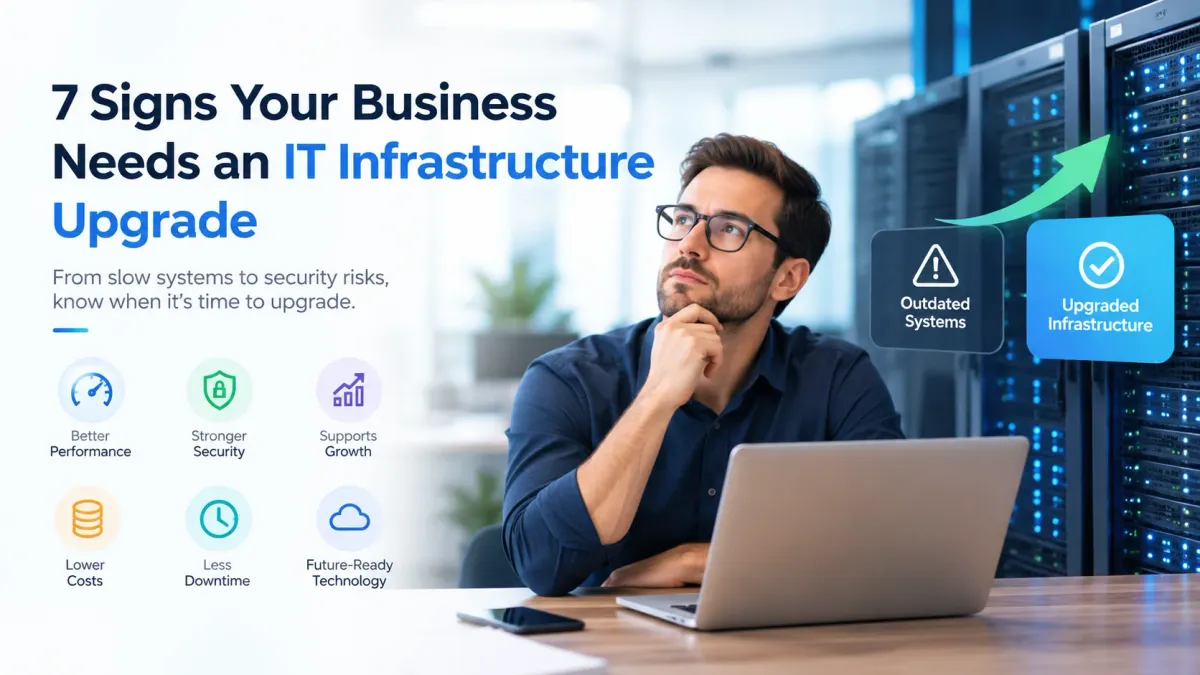
7 Signs Your Business Needs an IT Infrastructure Upgrade
Technology plays a major role in business productivity, communication, and security. However, systems that once worked well can become slow, unreliable, or difficult to maintain as a company grows. Knowing when to invest in an IT infrastructure upgrade can help prevent disruptions and support long-term business growth.
Here are seven signs that your business technology may need an upgrade.
1. Your Systems Are Becoming Slow and Unreliable
Frequent crashes, slow applications, and long loading times can affect employee productivity. If staff regularly wait for systems to respond, outdated hardware or insufficient computing resources may be responsible.
An IT infrastructure upgrade can help improve performance by replacing aging equipment, optimizing networks, and updating essential systems.
2. You Are Using Outdated IT Infrastructure
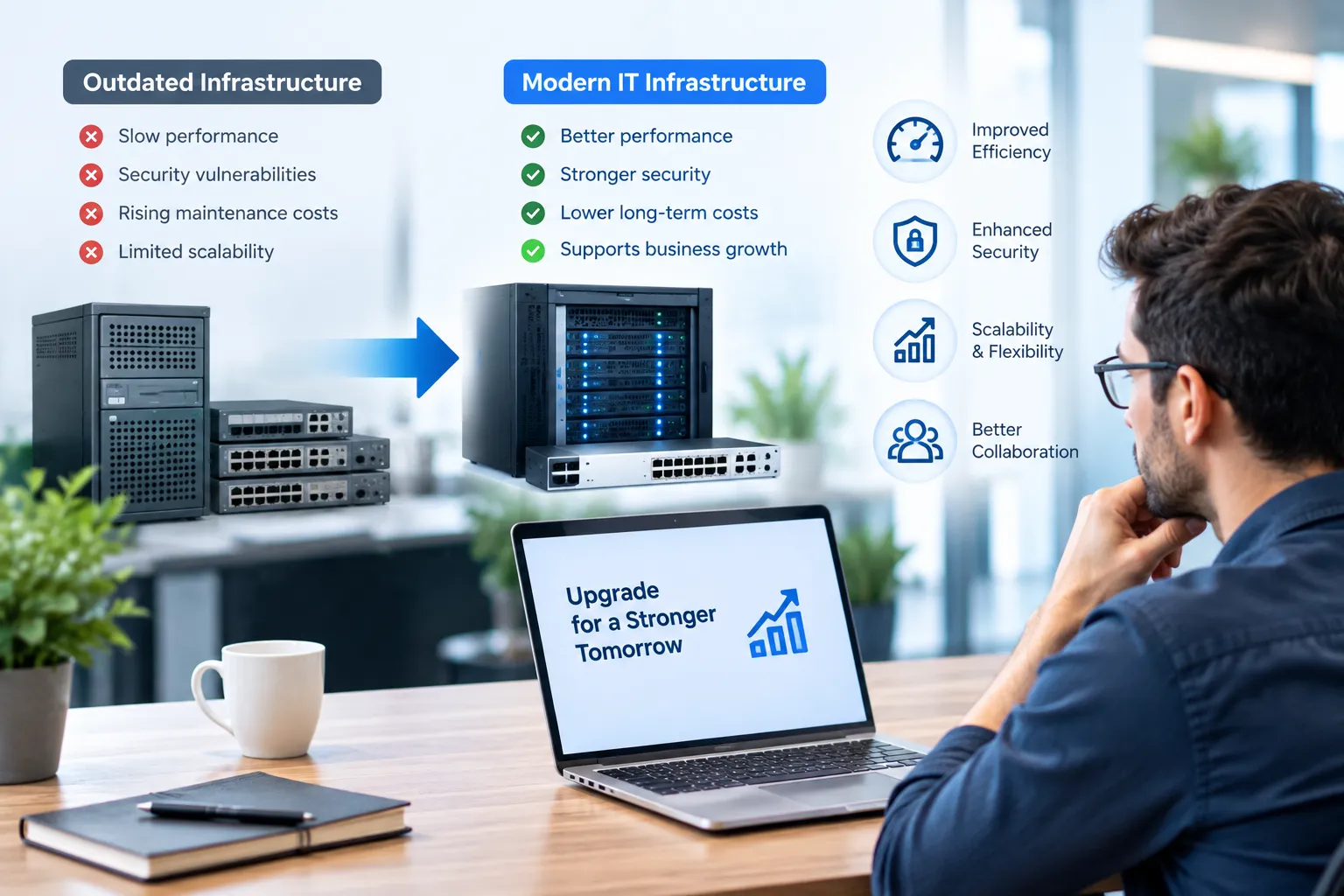
Older servers, unsupported operating systems, and aging network equipment may struggle to support modern applications. Outdated IT infrastructure can also become more expensive to maintain as replacement parts and technical support become harder to find.
Review the age, performance, and support status of your systems regularly. Replacing technology before it becomes a major problem can reduce unexpected downtime.
3. Your Business Is Experiencing Security Risks
Older systems may lack current security updates or support modern protection tools. These weaknesses can expose business data to cyberattacks, unauthorized access, and other threats.
Recognizing IT infrastructure security risks is essential when deciding whether to upgrade. Modern security controls, supported software, reliable backups, and stronger access management can help protect business operations.
4. Your Technology Cannot Support Business Growth
As your company gains employees, customers, and data, your existing systems may struggle to keep up. Adding users or applications may cause performance problems or require expensive workarounds.
A scalable setup allows resources to expand as needed. Investing in scalable IT infrastructure for businesses can make it easier to accommodate growth without replacing every system at once.
5. Maintenance Costs Keep Increasing
Frequent repairs, recurring technical issues, and expensive licensing can make older systems costly to operate. Although replacing infrastructure requires an initial investment, newer technology may reduce maintenance expenses over time.
Compare the total cost of keeping your current systems with the cost of upgrading them. Include downtime, support, energy use, security improvements, and future expansion in your calculations.
6. Your Systems Cannot Integrate With Modern Tools
Businesses often rely on cloud applications, collaboration platforms, automation tools, and customer management software. Older infrastructure may not support these tools efficiently or securely.
IT infrastructure modernization can improve compatibility, streamline workflows, and make it easier to adopt new business technologies. Before upgrading, identify the applications your company needs and check whether existing systems can support them.
7. Your Business Is Experiencing Frequent Downtime
Repeated network interruptions, server failures, and unreliable connectivity can disrupt customer service and delay important work.
If these problems continue despite repairs, it may be time to consider an IT infrastructure upgrade. Review incident records to identify recurring failures and prioritize systems that have the greatest impact on daily operations.
When to Upgrade IT Infrastructure
Understanding when to upgrade IT infrastructure requires evaluating performance, security, cost, and business needs together. One minor issue may only require maintenance, but several ongoing problems can indicate that replacement or modernization is necessary.
Professional IT infrastructure management can help determine which systems need immediate attention, identify potential risks, and establish which equipment can remain in service.
How to Plan an IT Infrastructure Upgrade
Effective IT infrastructure upgrade planning begins with an inventory of existing hardware, software, network equipment, and security controls.
Effective IT upgrade planning helps businesses prioritize urgent issues, establish a realistic budget, and create a phased implementation schedule that minimizes operational disruption. For complex upgrades involving multiple systems, IT project management services can help coordinate implementation tasks, manage timelines, and minimize operational disruption. Test new systems before deployment and prepare backups and recovery procedures.
A clear plan helps your business IT infrastructure remain reliable while supporting future needs.
Conclusion
Recognizing the signs of aging technology can help your business avoid unnecessary downtime, rising costs, and preventable security problems. An IT infrastructure upgrade should be based on your company's current challenges and long-term goals.
By evaluating existing systems, addressing critical risks, and planning upgrades carefully, you can build a more reliable technology environment that supports business growth.
Frequently Asked Questions
How often should a business upgrade its IT infrastructure?
There is no fixed schedule for every business. Review systems regularly and consider upgrades when performance, security, vendor support, or business requirements change.
What are the main signs your business needs an IT upgrade?
Common indicators include slow systems, frequent downtime, rising maintenance costs, security vulnerabilities, and difficulty supporting new applications.
Is upgrading IT infrastructure expensive?
Costs vary according to business size, equipment, software, and project complexity. A phased approach can help spread investment over time.
Can outdated infrastructure affect cybersecurity?
Yes. Unsupported software and unpatched systems can create vulnerabilities. Upgrading and maintaining supported technology can reduce certain security risks.
Should small businesses upgrade their IT infrastructure?
Yes, when existing systems no longer meet operational or security needs. Small businesses can prioritize critical equipment and upgrade gradually.
What is IT infrastructure modernization?
It involves updating or replacing technology to improve reliability, security, performance, and compatibility with modern business tools.
How can businesses reduce downtime during an upgrade?
Use a phased rollout, maintain verified backups, test systems before launch, and schedule major changes during quieter business periods.
Can cloud services replace traditional infrastructure?
Cloud services may replace, or complement, some infrastructure components, but they might not apply to every scenario, depending on security, compliance, performance, and business needs.
How do you budget for an IT infrastructure upgrade?
Make a good estimate of the cost of hardware, software, migrations, training, support, security and ongoing maintenance. Include contingency funds for unexpected issues.
Why is IT infrastructure upgrade planning important?
Planning assists businesses prioritize spending, minimize disruption, address security concerns and ensures that the enhanced systems are fit for the future.