Business Firewall End of Life: 5 Risks to Know
A business firewall helps safeguard networks, devices, and sensitive data from unauthorized access. However, firewalls eventually reach end of life, when manufacturers may stop providing security updates and technical support. Businesses need to track these lifecycle changes and invest in proactive IT maintenance to identify aging equipment and reduce security risks before support ends.
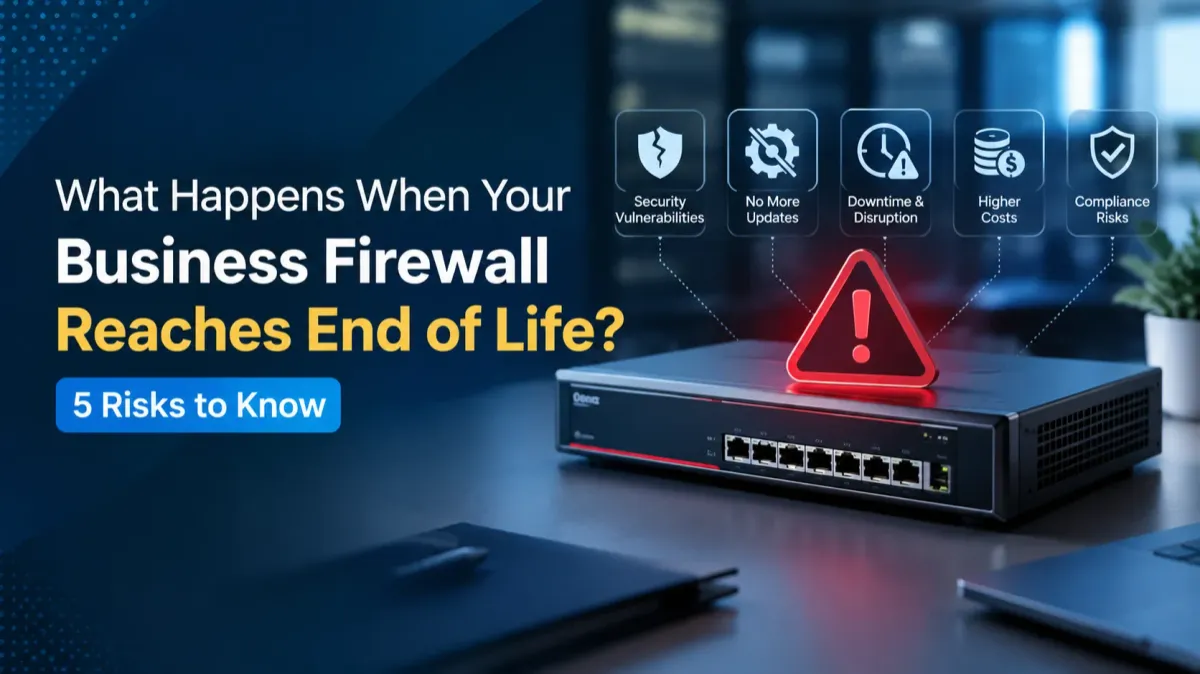
If a firewall is outdated, it may not be able to get the security patches and support that it needs. The following are the five risks that businesses need to be aware of.
1. Increased Security Vulnerabilities
One of the largest outdated firewall risks is that they're susceptible to security vulnerabilities that the attackers can exploit. If there is no ongoing support, then if a new weakness is found it may not be patched and it will be more difficult to maintain effective firewall protection.
Businesses need to keep an eye on vendor support announcements and pinpoint devices that are nearing the end of their support life.
2. Missing Firewall Security Updates
Firewall security updates fix vulnerabilities, enhance security, and help in reacting to new threats. At the end of the life of a product, patches and updates may no longer be released by the manufacturer.
If these changes aren't implemented, then businesses may face difficulties in defending against newer attacks. A patch management process that has been documented will enable the IT staff to be aware of patches applied, prioritize the patches that are needed and identify the unsupported devices ahead of time.
3. Greater Difficulty Managing Vulnerabilities
Effective vulnerability management requires identifying weaknesses, evaluating their severity, and taking corrective action. This is more challenging when an unsupported firewall is in place because some problems might no longer be fixable by vendors.
It's important for businesses to keep an inventory of network security equipment, read through vendor warnings and evaluate the security risks of unsupported equipment. These measures assist in prioritising remediation and minimising exposures.
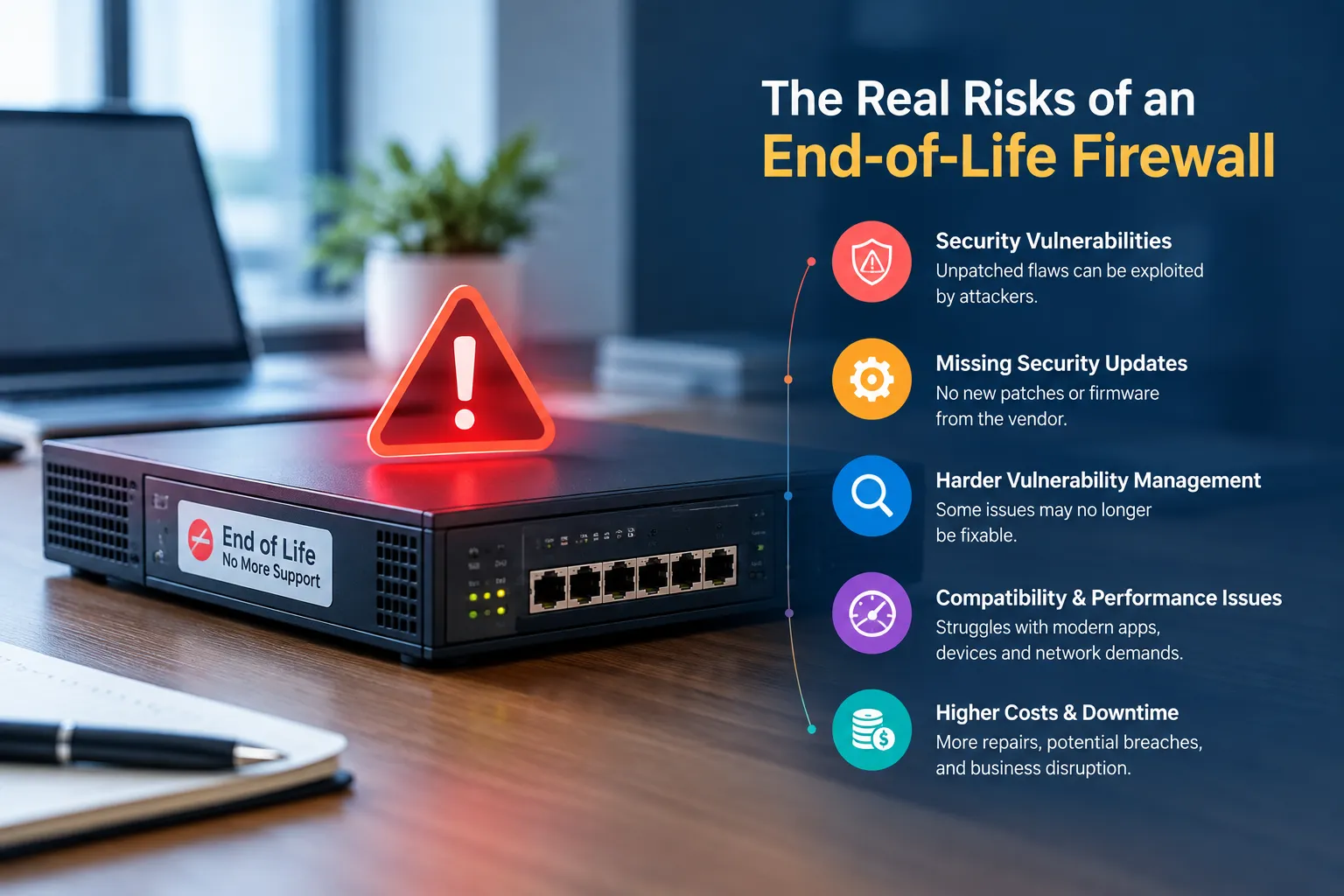
4. Compatibility and Performance Problems
Older firewalls may not be able to keep up with the latest security features, applications or network environments. Compatibility problems can prove to be a major problem affecting business operations and the effectiveness of existing security measures.
These outmoded firewall dangers can even boost upkeep demands. Planning a firewall replacement before support ends gives businesses time to test the new device and minimize disruption.
5. Higher Costs and Business Disruption
The risk of undue delays in replacement can lead to unforeseen costs of emergency repairs, troubleshooting, downtime, or incident recovery. A security breach could also lead to lost customer confidence and disclosure of private company data.
With a little planning, companies can budget for the replacement hardware, migration, configuration, and testing. By being proactive about firewall end of life, continuity can be maintained and long-term security objectives can be achieved.
How to Prepare for Firewall End of Life
Companies should review manufacturer support dates and existing firewall configurations to identify devices that will no longer receive updates. IT teams can compare replacement options, plan deployment, and test network access before retiring the old equipment. IT project management services can help coordinate the replacement timeline, configuration, testing, and implementation to minimize disruption to business operations.
Accurate documentation and a consistent patch management process also helps to avoid unsupported devices being forgotten.
Conclusion
Firewall end of life can leave businesses facing unpatched vulnerabilities, compatibility issues, and unexpected expenses. Keeping an eye on vendor support dates, bolstering vulnerability management, and making a well-timed firewall replacement plan will ensure that organizations can continue to enjoy reliable firewall protection without incurring unnecessary cybersecurity threats.
Frequently Asked Questions
What does firewall end of life mean?
Firewall end of life means the manufacturer has ended or scheduled the end of support for a product. Depending on the vendor, this may include discontinued security updates, repairs, and technical assistance.
Is it safe to use an end-of-life firewall?
It can open up huge security holes, particularly if vulnerabilities are still open. Sounds like businesses need to conduct a risk assessment and determine an alternative solution or mitigation plan.
How can I check whether my firewall is reaching end of life?
Verify manufacturer's official product lifecycle notices with your firewall's model and software version. Document the pertinent dates of support and periodically check them.
Why are firewall security updates important?
They cover vulnerabilities and enhance security, while also helping to safeguard network infrastructure against changes in threats. Systems without updates are vulnerable to attack.
When should a business replace an outdated firewall?
Businesses should start planning in advance of the official end of support. Early preparation can provide time to budget, compatibility testing, configuration and a controlled transition.
Can an end-of-life firewall still block cyberattacks?
Yes, it may continue filtering traffic, but without ongoing security updates, it may not protect against newly discovered vulnerabilities. Continued use requires careful risk assessment and appropriate safeguards.
Does firewall end of life affect compliance?
It can. Organizations subject to cybersecurity regulations or contractual security requirements may need supported systems and documented patch management practices. Requirements vary by industry and framework.
What should businesses consider when choosing a replacement firewall?
Consider network capacity, security features, vendor support duration, compatibility, scalability, management tools, and total ownership costs.
Can software updates extend a firewall's lifespan?
Updates can improve security while a product remains supported. However, once the manufacturer ends support, regular updates may no longer be available, making replacement or other mitigation necessary.
Who should manage firewall replacement?
An internal IT team or qualified cybersecurity provider can assess the existing setup, select suitable equipment, plan migration, and verify that firewall protection works correctly after deployment.