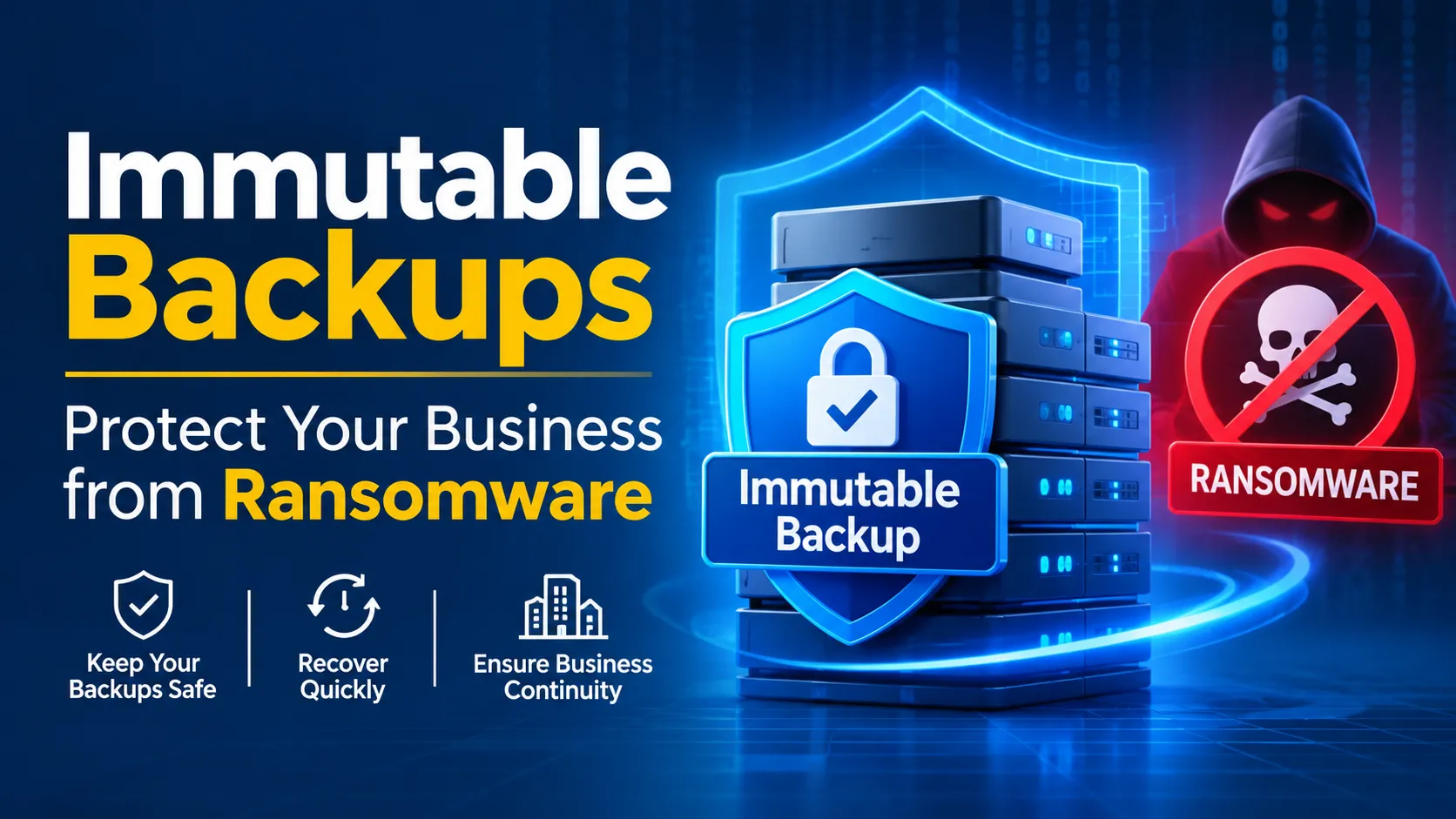
Immutable Backups: Protect Your Business from Ransomware
Ransomware attacks can prevent businesses from accessing important files, databases, and systems. Even when an organization has backups, attackers may try to delete or encrypt those copies before demanding payment. This makes backup protection an essential part of business cybersecurity.
An immutable backup helps reduce this risk by keeping stored data protected from changes or deletion for a defined period. It gives businesses a more reliable recovery option when their primary systems are compromised.
What is Immutable Backup?
An immutable backup is a copy of data that cannot be modified, overwritten, or deleted during a specified retention period. Once protected, the backup remains unchanged until that period expires.
So, what is an immutable backup in practical terms? It is a protected version of your business data that remains available even if someone attempts to alter or remove it.
Unlike traditional backups, which may be accessible to administrators or compromised accounts, immutable backups use controls that prevent unauthorized changes.
How Do Immutable Backups Work?
To understand what are immutable backups, it helps to look at how they protect stored information.
When a business creates a backup, the system stores a copy in an environment with immutability controls. These controls may use write-once, read-many (WORM) technology, retention locks, or other mechanisms to prevent changes.
The process generally involves:
Creating a backup: Important files, databases, and systems are copied.
Applying immutability: The backup is protected against modification or deletion.
Setting retention periods: The organization defines how long the backup must remain protected.
Monitoring storage: Backup systems are checked to ensure copies remain available and protected.
Restoring data: If an attack or system failure occurs, the business can recover from a clean backup.
The exact protection depends on the storage platform and its configuration.
How Immutable Backups Protect Against Ransomware
Ransomware attackers may target backup systems because businesses with no usable recovery copies have fewer options. Immutable backups ransomware protection helps address this problem by making backup copies harder to destroy or tamper with.
Here are some important benefits:
1. Prevents Unauthorized Deletion
Attackers who gain access to a business network may attempt to delete backup files. Properly configured immutable storage prevents protected copies from being removed during their retention period, even by users with certain administrative privileges.
2. Protects Backup Data from Encryption
Ransomware can encrypt accessible files and backup repositories. Immutability helps preserve protected copies in their original state, giving organizations a recovery source that attackers cannot simply overwrite.
3. Supports Faster Recovery
When production systems are compromised, businesses can use clean backup copies to restore important information. This can reduce downtime and help employees resume essential operations.
4. Reduces Dependence on Ransom Payments
Having reliable recovery copies gives organizations another option besides paying attackers. Although restoration may require investigation and system cleanup, protected backups can improve recovery confidence.
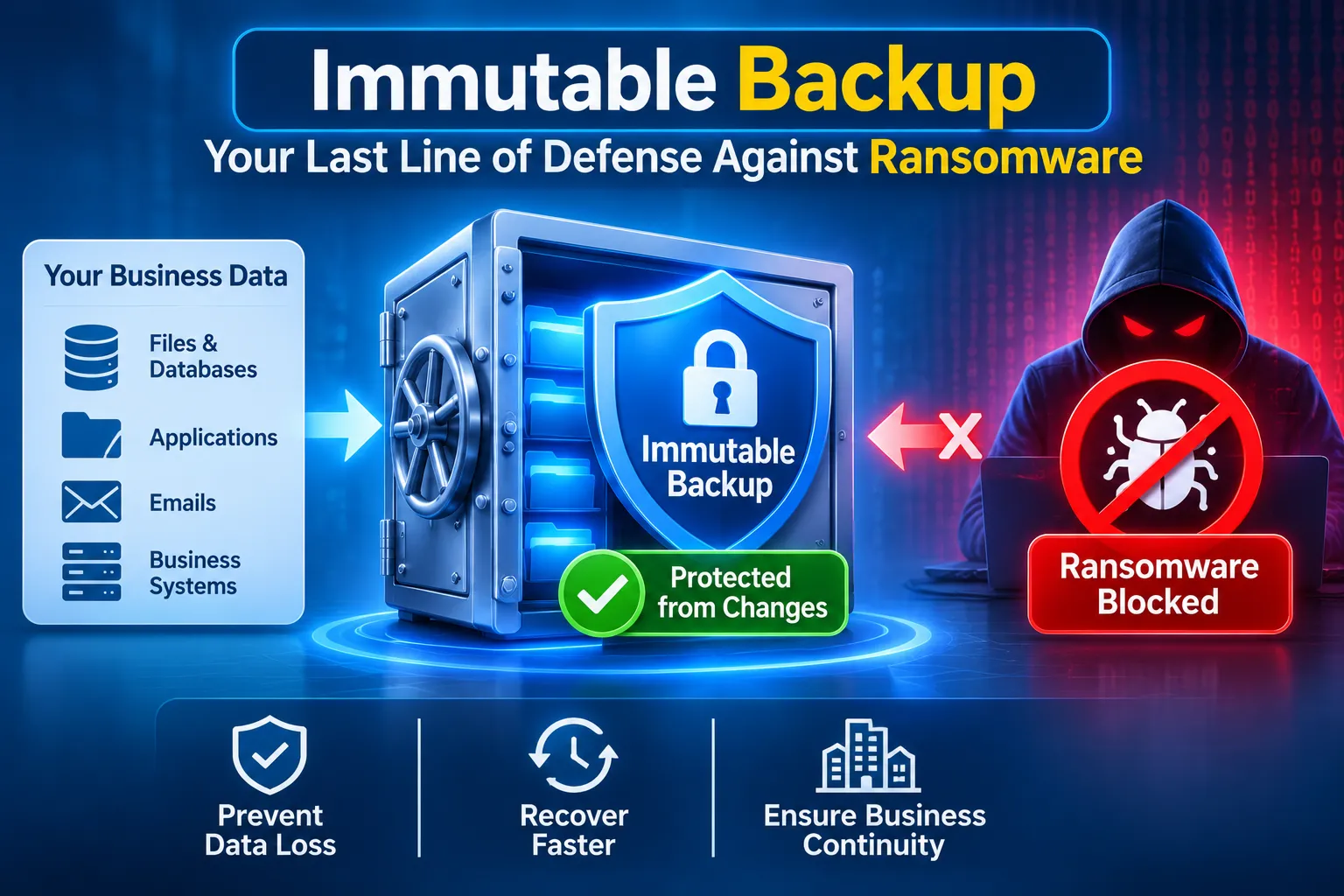
What Is Immutable Backup Storage?
Immutable backup storage refers to storage environments designed to prevent protected data from being changed or deleted for a specified period.
Common approaches include:
WORM storage: Write-once, read-many technology prevents stored information from being modified after it is written.
Object storage with retention locks: Cloud storage platforms can enforce retention rules that restrict deletion or alteration.
On-premises immutable storage: Local storage systems may offer hardware or software controls to protect backup copies.
Businesses should choose storage based on their data volume, security requirements, recovery goals, and budget.
What Are the Key Features of Immutable Backup Solutions?
Effective immutable backup solutions should provide more than basic data storage. Look for features that support security, monitoring, and recovery.
Retention controls: Set how long backup copies remain protected.
Access restrictions: Limit who can manage backup settings and storage permissions.
Encryption: Protect data while stored and during transfer.
Monitoring and alerts: Identify unusual activity or failed backup jobs.
Recovery testing: Confirm that stored copies can actually be restored.
Scalability: Support growing data volumes without compromising protection.
No single feature guarantees complete ransomware protection. Immutability should be part of a broader backup and cybersecurity strategy.
Best Practices for Backup Immutability
Implementing backup immutability effectively requires planning and regular maintenance.
Follow the 3-2-1 Backup Rule
Keep at least three copies of important data, on two different types of storage, with one copy stored offsite. Some organizations also use an additional offline or immutable copy for stronger protection.
Use Separate Credentials
Do not rely on the same administrator accounts for production systems and backup storage. Separate credentials and restricted permissions can make it harder for attackers to compromise both environments.
Set Appropriate Retention Periods
Choose retention periods based on business requirements, legal obligations, and recovery needs. Longer retention may improve protection but can also increase storage costs.
Test Your Recovery Process
A backup is only useful if it can be restored. Regularly test recovery procedures to confirm that files, applications, and systems can be brought back successfully.
Conclusion
An immutable backup gives businesses an additional layer of protection against ransomware by keeping backup copies unchanged and available during a defined period. It can help prevent attackers from destroying recovery data and give organizations a safer path to restoring operations.
For stronger protection, combine immutable storage with separate access credentials, encryption, monitoring, and regular recovery testing. A well-planned backup strategy can make a significant difference when a cyberattack or unexpected data loss occurs.
Frequently Asked Questions
Are immutable backups completely ransomware-proof?
No backup method is completely risk-free. Immutable backups make protected copies harder to alter or delete, but businesses still need secure access controls, monitoring, malware detection, and tested recovery plans.
How long should immutable backups be retained?
Retention depends on business needs, compliance requirements, and recovery objectives. Organizations should select a period that provides adequate protection without creating unnecessary storage costs.
Can administrators delete immutable backups?
That depends on the technology and retention settings. Properly configured retention locks can prevent deletion even by administrators until the protection period expires.
Are immutable backups suitable for small businesses?
Yes. Small businesses can use cloud-based or managed backup services with immutability features without maintaining complex storage infrastructure themselves.
What is the difference between immutable and regular backups?
Regular backups may be modified or deleted by users with sufficient access. Immutable backups include controls that prevent changes or deletion during a defined retention period.