
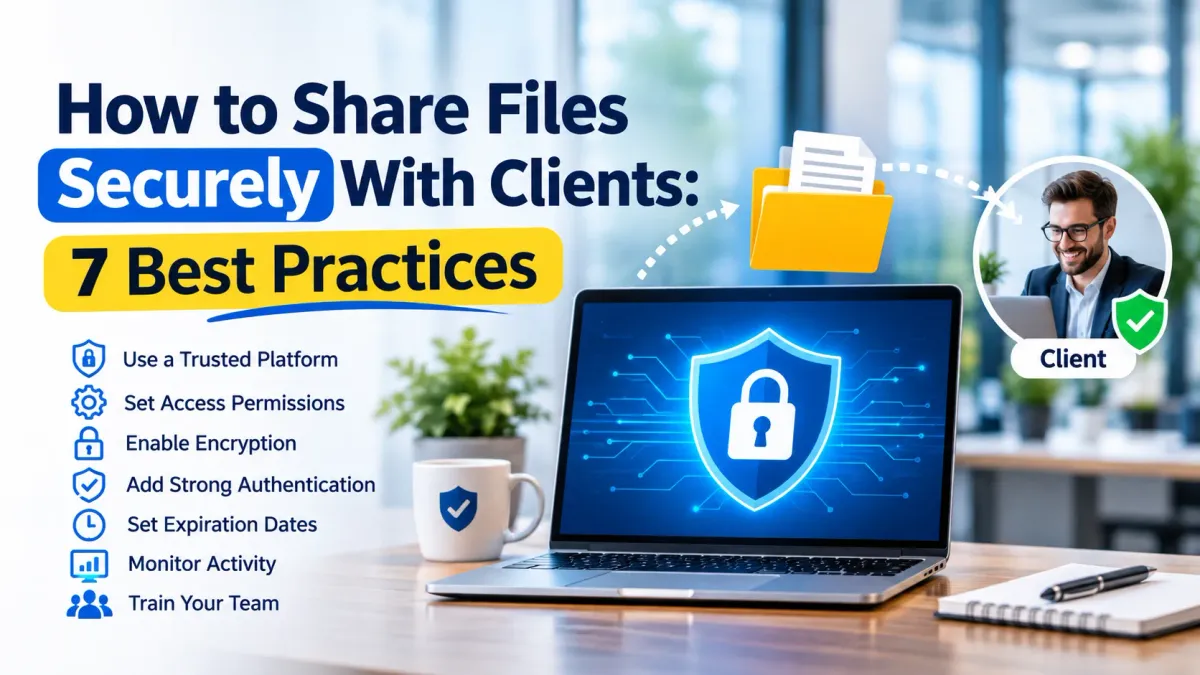
How to Share Files Securely With Clients: 7 Best Practices
Document sharing, such as contracts, reports, invoices and business documents, is a regular occurrence in client communication. But, if you send any sensitive information via unsecured links or via email attachments, you can leave any confidential information vulnerable to unauthorized access.
For business, there is a need to have a dependable method of exchanging files and be sure that the data of customers is protected. Adhering to secure file sharing with clients best practices will keep data from being leaked, ensure privacy, and foster trust. Here are 7 ways to share files in a more secure and efficient way.
1. Use a Trusted File-Sharing Platform
Do not send sensitive files via a website or a file transfer service that you don't know. Select a reputable site that provides encryption, user authentication and permission controls.
Secure file sharing for businesses should allow for easy filing, organization, and distribution of files without the risk of unnecessary security issues. Look at the security measures, storage policies and data protection measures offered by a platform before selecting it. Businesses can also strengthen their secure business technology environment by maintaining reliable systems, security controls, and ongoing IT support.
2. Set Access Permissions Carefully
Do not send sensitive files via a website or a file transfer service that you don't know. Select a reputable site that provides encryption, user authentication and permission controls.
Use secure file sharing using access control to decide who can view, edit, download, or share specific files. Look at the security measures, storage policies and data protection measures offered by a platform before selecting it.
3. Protect Files With Encryption
Encryption makes it harder for others to read the files if they come across them by accident or if they try to read them without permission. Seek out platforms that use encryption during the transfer of data and when it's stored on their servers.
This is a critical component of file sharing security particularly when exchanging financial records, contracts, customer information or business documents that have a confidential nature. Businesses handling sensitive information should also understand their business data protection requirements and apply appropriate safeguards to protect confidential records.
4. Use Strong Authentication
Just a secure sharing link is not enough to safeguard sensitive data. If a link to the files is sent to another person, unauthorized users may be able to view the files.
Use two factor authentication (2FA) if possible. This adds another verification step, such as a one-time code, making secure file access more difficult for unauthorized users.
5. Set Expiration Dates for Sharing Links
Links will be permanent and will stay available for an extended period of time after a project or business relationship has concluded. Sensitive information can be left uncovered when the link gets to the wrong person.
Use expiration dates on shared links, and cancel access when necessary. Very handy for reporting, proposals, contracts or project documents to clients, especially if they're temporary.
6. Monitor File Activity
Knowing who accesses shared documents and when is important for businesses. Activity logs can be useful to detect unusual downloads, repeated login attempts or unexpected changes.
Monitoring is also more effective when done regularly, which promotes accountability. For document sharing when you work with clients that have to be done securely, ensure that you have access history and notifications so that you can control the shared data better.
7. Train Employees on Safe File Sharing
No matter how trustworthy the platform is, there is no way it can avoid all errors. There is a risk of employees sending the wrong document, a link to the wrong person or giving too many permissions.
Set clear file sharing protocols and educate employees to check recipients, permissions and for suspicious links. Regular reminders help make secure file sharing best practices part of everyday business operations. Employees can also benefit from ongoing technical support for employees when they encounter access issues, security concerns, or problems using approved business tools.
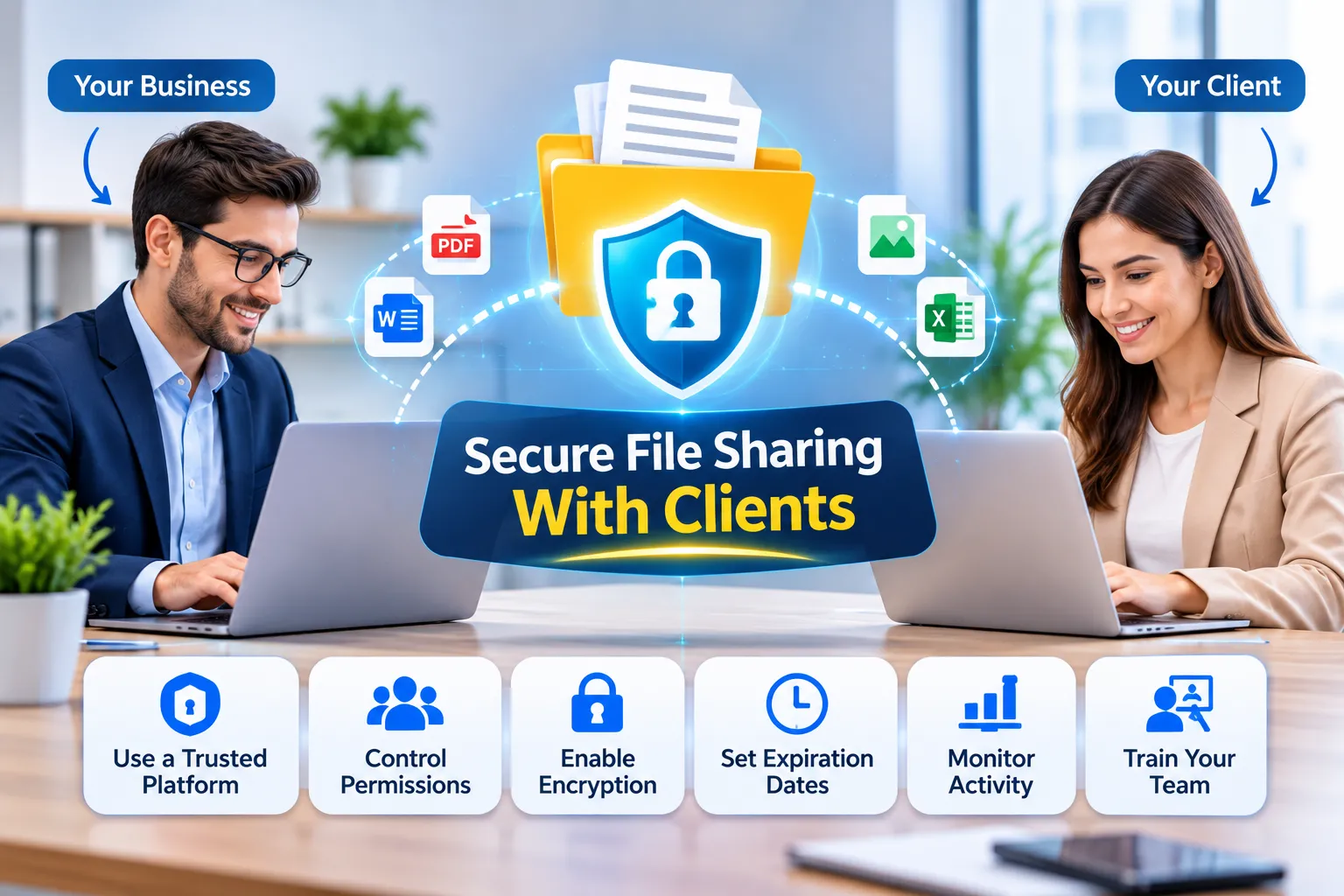
Common Mistakes to Avoid When Sharing Client Files
Small mistakes can create significant security risks. Avoid these common practices:
Sharing confidential documents through public links without restrictions.
Reusing the same password across multiple accounts.
Giving clients editing access when viewing access is sufficient.
Leaving old sharing links active indefinitely.
Sending sensitive files without checking the recipient's email address.
Ignoring access logs and unusual activity.
Reviewing these habits can improve secure file data exchange and reduce unnecessary exposure.
Why Is Secure File Sharing Important for Businesses?
Customers have a right to have their data treated appropriately. Mishandled file sharing can lead to security issues, be a source of business conflict, and raise compliance problems.
A sharing process that is well-managed ensures the security of crucial documents and simplifies collaboration. By implementing proper permissions, encryption and monitoring, businesses can share information conveniently and securely.
Frequently Asked Questions
What Is the Safest Way to Share Files With Clients?
Use a trusted file sharing site that supports encryption, strong authentication, limited access and time-limited links. Always verify the recipient before sharing sensitive information.
Is Email Safe for Sharing Confidential Documents?
Email is fine for general purposes, but certain attachments will need extra security. Use file sharing services that are encrypted with controlled access rather than send out files with no restrictions.
How Can I Prevent Clients From Sharing My Files?
Use platforms where it is possible to limit downloads, set permissions, block forwarding if possible and revoke access. However, no system can completely prevent someone from copying information they can view.
What Is the Difference Between File Sharing and Secure File Sharing?
Regular file sharing enables people to send and receive documents, while secure file sharing includes extra security measures like encryption, authentication, access control and monitoring.
Should Shared File Links Have Expiration Dates?
Yes. Expired links shorten the duration of availability of sensitive documents. Links can also be revoked in case of a project's end or when access is no longer needed.