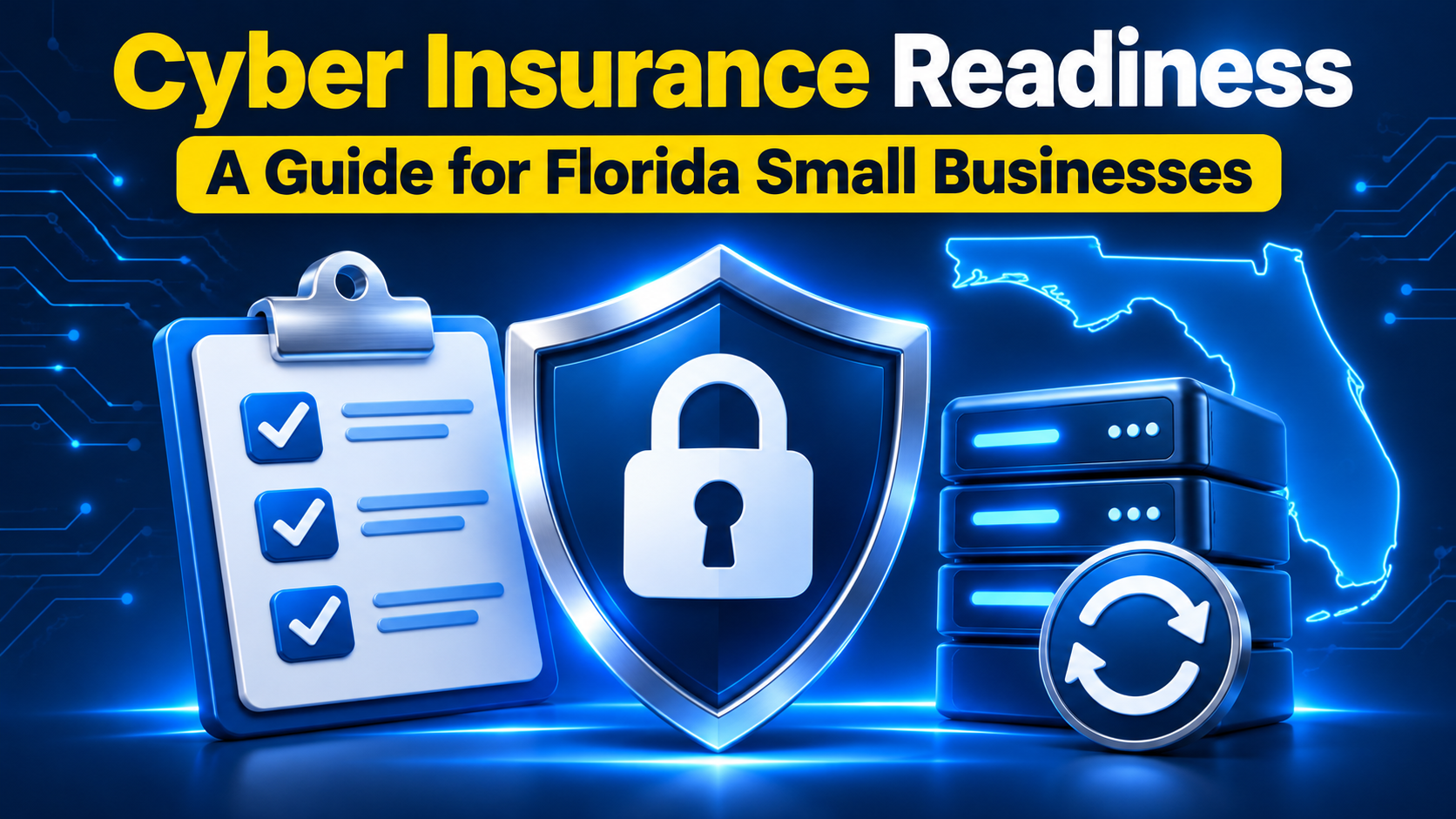
Cyber Insurance Readiness for Florida Small Businesses
To prepare for cyber insurance, Florida small businesses should confirm their insurer’s requirements, verify their security controls and document how those controls work. Start with access protection, device security, recoverable backups and a clear incident response process. Your insurance agent or broker can explain how the carrier evaluates your specific business.
A completed application should describe the environment you actually operate. A tool that has been purchased but never deployed, or a backup that has never been restored, can leave a gap between your answers and your protection.
What cyber insurance readiness means
Cyber insurance readiness means being prepared to explain your cyber risks, demonstrate your safeguards and answer an insurer’s questions accurately. There is no single checklist that guarantees acceptance. Requirements and terms vary by carrier, business activities and requested coverage.
For a Florida business preparing for its first policy or its next renewal, the useful starting point is a shared review with whoever manages IT and the insurance professional handling the application. Agree on what each question means before anyone signs.
Security controls to review before applying
Use the areas below to organize a technical review, then compare the findings with the carrier’s actual questionnaire. These are security practices to evaluate, not a universal list of insurance eligibility requirements.
Protect accounts with multifactor authentication
Multifactor authentication requires more than a password to sign in. Prioritize email, remote access and administrator accounts; use phishing-resistant methods where available. Check enforcement and exceptions rather than assuming every account is protected.
Review endpoint protection and response
Endpoint detection and response, or EDR, helps identify suspicious activity on computers and servers. Review device coverage, alert handling and who can isolate a compromised device. A deployed tool still needs an accountable response process.
Keep protected backups and test recovery
Maintain offline or otherwise isolated backups, and test restoration. Immutable storage can prevent changes or deletion during its retention period. Record what was restored and whether essential operations could resume.
Prepare staff and maintain systems
Train employees to recognize and report suspicious messages. Keep software updated, prioritize exposed vulnerabilities and remove unnecessary remote access. Document how issues move from discovery to resolution.
Write and exercise an incident response plan
Define who coordinates an incident, how systems are contained and how the team communicates if normal email is unavailable. Exercise the plan and keep response contacts accessible.
Security reference: CISA’s joint StopRansomware Guide explains these preventive and recovery practices. https://www.cisa.gov/stopransomware/ransomware-guide
Build an evidence file that matches the application
Treat the application as a set of questions to verify. Ask the technical owner to identify the relevant system, record the current status and note any exceptions. Useful records may include:
·Account and device inventories, with the person responsible for maintaining them.
·Dated configuration reports showing where security controls are enabled.
·Backup restoration results and the actions taken after failed tests.
·Training completion records and incident response exercise notes.
·An improvement log showing open gaps, owners and expected completion dates.
For example, if an application asks whether all remote access uses MFA, check every supported access route. If one route is excluded, describe the exception and ask your broker how to report it. Do not turn a partial implementation into an unqualified “yes.”
Plan for the way your Florida business operates
A local office, remote employees and cloud applications can create different responsibilities. Map where important information lives and who supports each part of the environment. Include outsourced services in that discussion so the application reflects more than the equipment inside your office.
Consider an illustrative Florida professional services firm whose employees need to work remotely when the office is unavailable. Its readiness review should check secure sign-in, access to essential files and a way to reach the response team. It should also distinguish a cyber incident from a power or weather disruption when discussing insurance coverage.
Keep that operational review separate from assumptions about policy terms. Ask the broker which events trigger coverage, which systems and vendors are included, and what documentation the insurer needs.
Compare coverage as carefully as security controls
The Federal Trade Commission recommends discussing first-party and third-party coverage with your insurance agent. First-party coverage generally addresses your business’s own incident costs; third-party coverage generally addresses liability claims brought by others. The policy wording determines what is covered.
Use the discussion to ask about incident investigation, data recovery, business interruption and claims involving information held by vendors. Review exclusions, deductibles, limits, reporting duties and any requirements to use approved response providers. Stronger security can support your application, but it does not guarantee a particular premium or broader coverage.
Coverage reference: Federal Trade Commission, Cyber Insurance. https://www.ftc.gov/business-guidance/small-businesses/cybersecurity/cyber-insurance
Make readiness part of routine IT management
Begin well before your renewal deadline so there is time to clarify questions and address gaps. Request the current application from your broker, assign a technical owner to each section and schedule a final review before submission.
After the policy is in place, revisit your records when systems, vendors or access arrangements change. Keep dated evidence rather than rebuilding the entire file at renewal. If you introduce automation or AI-assisted security tools, verify what they actually monitor and who reviews the results; a product label is not proof of protection.
Get support from KEVLAR IT Solutions
KEVLAR IT Solutions provides managed IT services, cybersecurity protection, system monitoring and technology planning. Our Orlando-based team can discuss your current IT environment and the security improvements your business needs.
For your Florida business’s next cyber insurance application, bring your carrier’s questionnaire to the conversation. Contact KEVLAR IT Solutions to discuss IT and cybersecurity support, and involve your insurance broker in decisions about policy requirements and coverage.
Schedule a conversation: https://kevlaritsolutions.com/managed-it
Frequently asked questions
How can a Florida small business prepare for cyber insurance?
Obtain the carrier’s current application, review it with your IT provider and broker, and verify your answers against current configurations and records. Resolve gaps where possible and disclose remaining exceptions accurately.
Does every insurer require the same security controls?
No. Ask your broker which controls and evidence your carrier requires. Access protection, endpoint security, backups and incident response are useful review areas, but they are not a guarantee of eligibility.
Will better cybersecurity lower my premium?
It may strengthen your application, but a discount is not guaranteed. Pricing and coverage depend on the insurer’s assessment and the policy you request. Ask your broker to explain the options available to your business.
What should I do if a security control is only partly deployed?
Document which systems are covered and which are not. Give the broker the specific facts and ask how the application should reflect them. Keep any planned improvements separate from completed work.
Can an IT provider replace my insurance broker?
The roles are different. An IT provider reviews and manages technical safeguards; an insurance professional advises on insurance products and policy terms. Having both review the relevant parts of the application helps keep the process clear.
How can KEVLAR IT Solutions help a Florida business get started?
Contact KEVLAR to discuss managed IT and cybersecurity support. Share your current environment, operational priorities and any carrier questions so the conversation can focus on the technical work your business needs.