What Causes Business IT Downtime and How Can You Prevent It?
Business downtime occurs when critical IT systems, networks, applications, or devices become unavailable and interrupt normal operations. Even a short outage can delay employees, disrupt customer service, affect productivity, and prevent access to important business data.
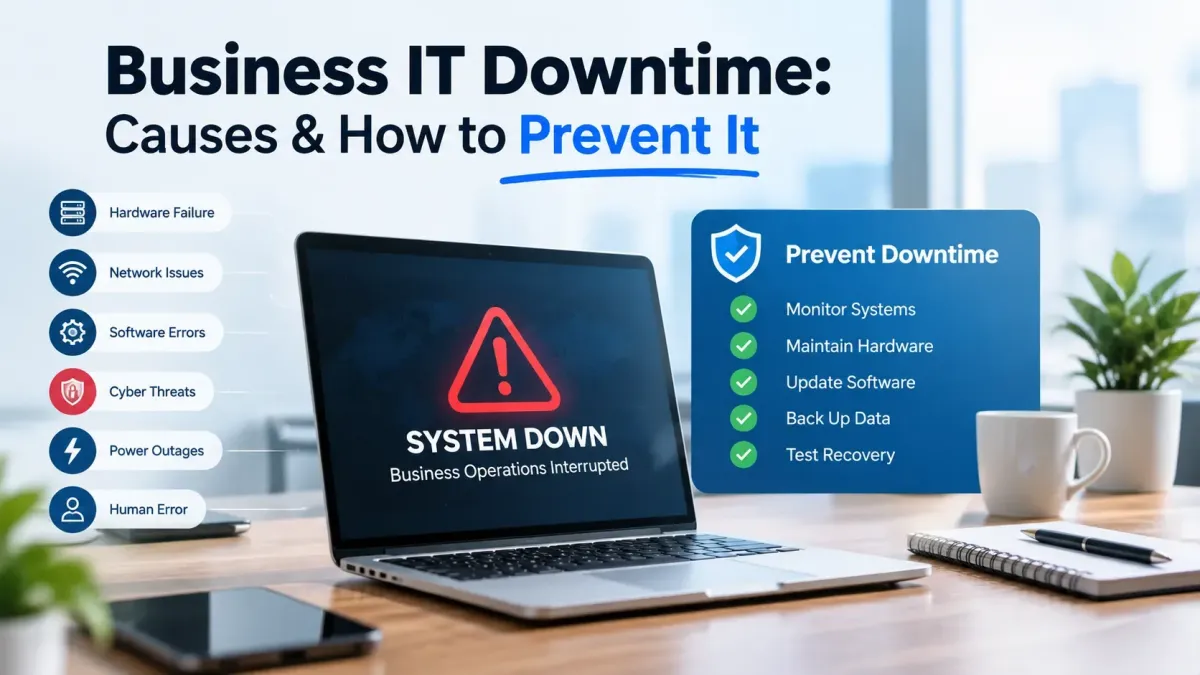
Several issues can interrupt business operations, including network failures, outdated hardware, software errors, cyber threats, power interruptions, and human error. Knowing the causes of frequent downtime can be used to help businesses patch up leaks before they cause major disruptions.
What Causes Business Downtime?
IT downtime can result from problems with hardware, networks, software, power, storage, or other critical systems. When these systems become unavailable, employees may lose access to the applications, files, and services they need to perform their work.
Cyber incidents can also result in business downtime. Isolation may be needed for systems when malware, compromised accounts, or unauthorized access may be suspected until the issue is resolved.
Common Causes of IT Downtime
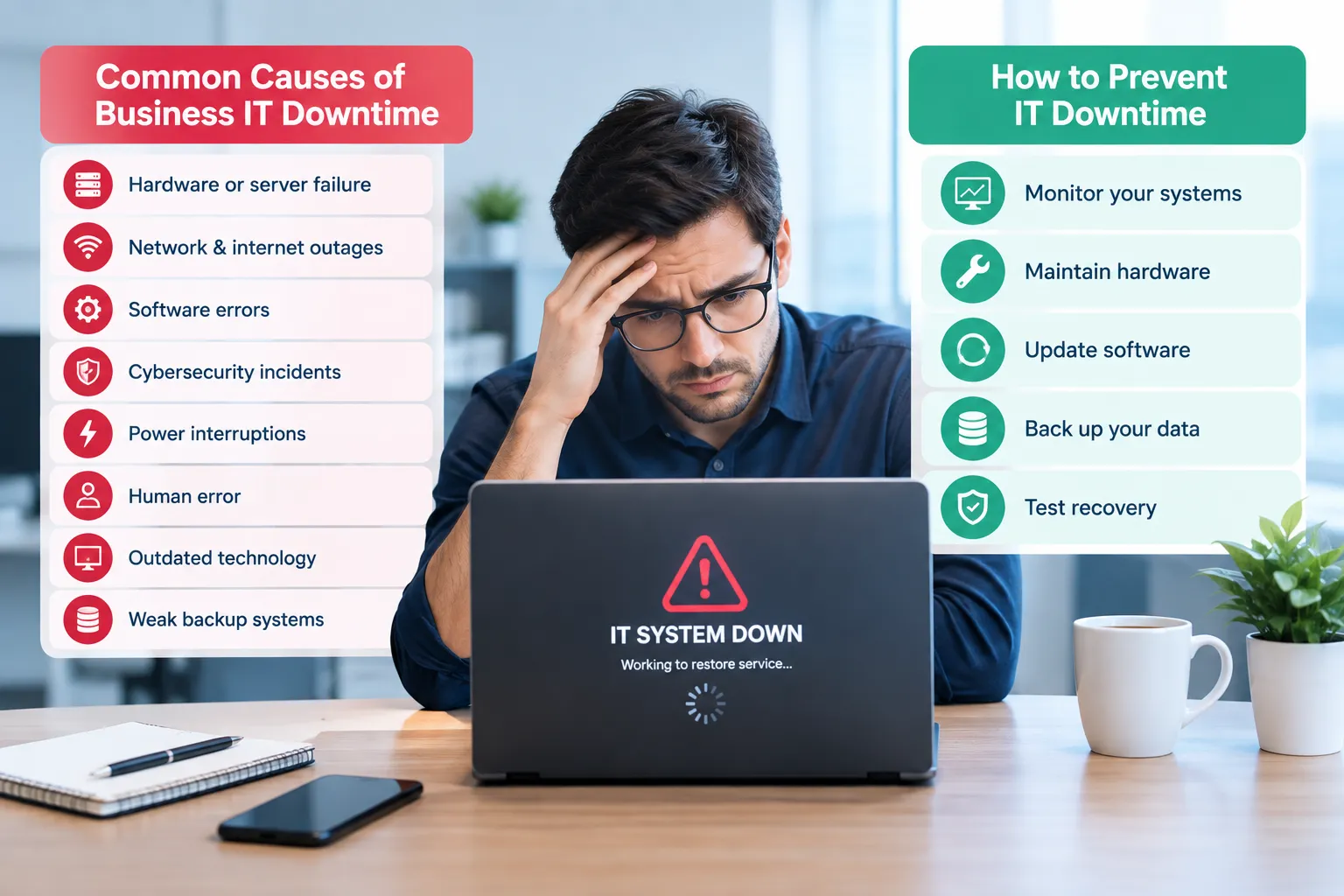
Failure of hardware or servers.
Network and internet outages
Software errors
Cybersecurity incidents
Power interruptions
Human error
Outdated technology
Weak backup systems
Why Does Downtime Keep Happening?
If there is frequent downtime, there's a problem that hasn't been addressed. Rebuilding a server or replacing a component can bring service back up temporarily, but not necessarily address the underlying issue.
Causes of recurring downtime with internal IT staff may consist of insufficient monitoring capabilities, overloads, outdated infrastructure, or lack of documentation. Managed IT services can help reduce recurring downtime by providing proactive monitoring, routine maintenance, security management, backup oversight, and technical support.
For example, if a business repeatedly experiences storage problems, simply restarting the server may only provide a temporary fix. Reviewing storage capacity, system logs, hardware health, connections, and backup status can help identify the underlying cause and prevent the same problem from recurring.
How Can You Prevent IT Downtime?
Effective IT downtime prevention starts before a system fails. The key is to keep an eye on important technology, rather than having employees report issues.
A practical prevention routine includes:
Monitor systems: Watch network, server, storage, and application performance.
Maintain hardware: Review old hardware and common problems.
Update software: Install the necessary software and security patches.
Back up data: Back up vital business files and systems.
Test recovery: Make sure that you can restore backups.
These steps can help reduce business downtime by identifying risks earlier.
Build a Recovery Plan
No matter how well you prevent them, some failures are unavoidable. A recovery plan will help your employees respond effectively to an outage of any critical systems. The procedure should define what systems are critical and establish roles and priorities for recovering service. Maintain recovery procedures, vendor contact information, and backup information easily accessible.
A Simple Recovery Process
Determine which system is affected.
Estimate the extent of the outage.
Keep critical information and accounts safe.
Restore priority services.
Test the repaired systems.
Record the cause and solution.
A clear process can help reduce IT downtime by avoiding confusion during an outage.
How to Reduce IT Downtime
Businesses should review the technology areas most likely to cause interruptions.
Area | What to Check | Prevention |
Network | Connections and equipment | Monitoring |
Hardware | Age and condition | Replacement planning |
Software | Updates and compatibility | Regular patching |
Security | Access and threats | Security controls |
Backups | Frequency and recovery | Restoration testing |
Monitoring | System alerts | Early detection |
Looking at these areas together can reveal patterns behind recurring causes of IT downtime.
When Should You Consider IT Support?
Repeated business downtime, slow troubleshooting, or inadequate monitoring may indicate that additional IT support is needed. Clear expectations for response and resolution can also help businesses manage IT support during service disruptions. An IT Help Desk SLA can define response times, priorities, and service expectations. If available, IT support or managed IT services could assist with system monitoring and maintenance, cybersecurity, backups, troubleshooting, and recovery planning. The aim is not only to respond following an outage. It is also to identify issues that might disrupt operations.
Conclusion
Business downtime can result from hardware and network failures, software problems, cybersecurity incidents, power interruptions, outdated technology, and human error. Businesses can reduce the risk and impact of downtime through proactive monitoring, regular maintenance, reliable backups, security controls, and tested recovery procedures.
Frequently Asked Questions
What is business downtime?
Business downtime is the lack of availability of critical systems, applications, networks, or technology. It can cause normal employee activities to be interrupted and can cause delays in the provision of customer service or critical activities.
What are the most common causes of IT downtime?
These can be caused by hardware failure, network issues, software issues, cybersecurity issues, power failures, outdated systems, and human error. Low levels of maintenance can exacerbate the risk.
What causes frequent downtime in a business?
If the problem is not resolved, frequent downtime will result. It can be caused by recurring hardware failures, unstable networks, outdated software, and limited monitoring.
How can businesses prevent IT downtime?
Proactive monitoring, periodic maintenance, software updates, security controls, and reliable backups and recovery tests all help to minimize risk for the business. Any previous outages should also be reviewed for common issues.
Can outdated hardware cause business downtime?
Yes. Older equipment can be unreliable and become problematic or fail. Keeping track of equipment condition and planning its replacement can minimize unexpected interruptions.
How do backups help reduce IT downtime?
Backups allow recovery in cases where data is lost due to specific failures, security breaches, or accidental deletion. Testing of restoration should also be performed to ensure that the backups restore properly.
How does cybersecurity affect business downtime?
Cybersecurity events have the potential to disrupt systems and data. They may need to quarantine devices or accounts as part of their investigations and resolution efforts for the security issue affecting the business.
What causes recurring downtime with internal IT staff?
It may be due to inadequate monitoring, workload, outdated facilities, insufficient documentation, or inadequate preventive maintenance efforts. The real technical reason should be explored before making a decision on the solution.
What causes recurring downtime without managed IT services?
These can be due to inadequate monitoring, troubleshooting resources, security weaknesses, delays in maintenance, or gaps in backups. This will vary depending on the technology environment of the business.
How can a business reduce IT downtime?
Start by identifying critical systems and reviewing previous outages. Improve monitoring, maintenance, backups, security, documentation, and recovery testing based on the problems discovered.