
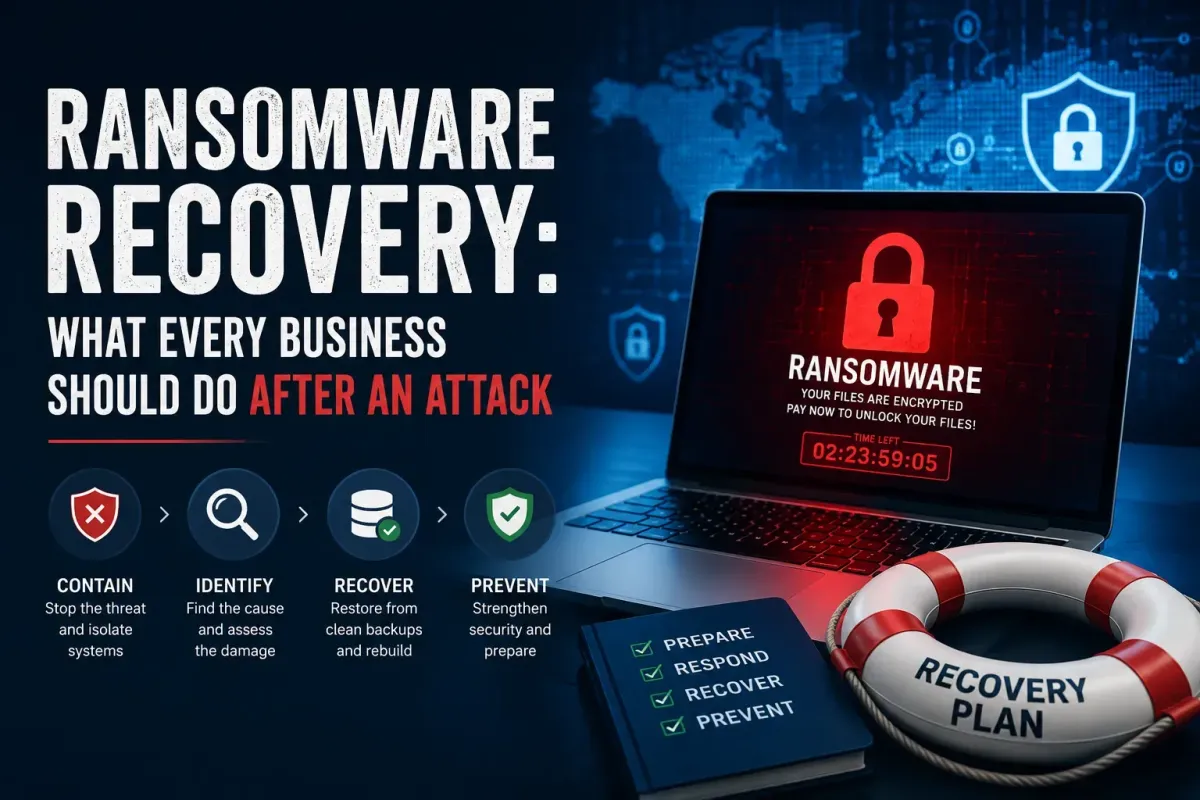
Ransomware Recovery: What Every Business Should Do After an Attack
Getting hit with ransomware is terrifying. One minute everything is fine. Next, your files are locked and some criminal is demanding money. Your stomach drops. Your mind races. You have no idea what to do first.
But here is the truth.
How you react in those first minutes and hours determines whether you recover quickly or stay down for weeks. Panic is your enemy. A clear plan is your lifeline. Do not pay the ransom. Paying does not guarantee you get your data back, and it tells criminals you are an easy target for more attacks.
The First 10 Minutes: Stop the Bleeding
Disconnect infected devices from the network immediately, pull the Ethernet cable or switch off the Wi-Fi. Ransomware recovery services spread fast across connected systems, encrypting everything in its path. The sooner you cut it off, the less damage it can do. Protect your backups first. Attackers deliberately target backup systems to eliminate your ransomware protection and recovery options . If your backups are online, disconnect or isolate them right away. Do not delete, rename, or move encrypted files, as you may permanently destroy forensic evidence.
Contain, Identify, and Eradicate
Isolate all compromised systems and preserve evidence. If possible, collect memory dumps before changing anything, because every modification can destroy critical information for analysis. Also, block any malicious connections you detect to prevent further data theft. Next, figure out what strain of ransomware you're dealing with. Use resources like the No More Ransom Project or the ID Ransomware tool. Then, find how they got in. Which account got compromised? What vulnerability did they exploit? Track down the entry point.

Recover: Restore from Clean Backups
Now comes the hard part. For reliable recovery, wipe and reinstall affected systems completely. Simply removing the malware is not enough; attackers often leave backdoors for future ransomware attack recovery. Restore your data from your most recent known clean offline or immutable backups. If you use backup software like Azure Backup or CrashPlan, use the point-in-time restore feature to roll back to a version from before the infection started. If you have storage-level snapshots like SAN or NAS, those can also be an excellent recovery option. Only after your systems are rebuilt and data restored should you reconnect devices to the network.
Building a Ransomware Recovery Plan Before Disaster Strikes
Most businesses don't think about ransomware recovery until they're already screwed. That's a huge mistake. The time to build a ransomware recovery plan is before you need it, because when those files get locked up, your brain stops working. You panic. You make dumb calls. And every minute you're trying to figure out what to do, your business is down and bleeding money.
A good ransomware recovery plan starts with one question: what do we do in the first hour? Who pulls the plug on the network? Who calls the insurance company? Who decides whether to pay or not? Figuring this out while there's a ransom note on your screen? That's the worst possible time. Write it all down. Give people specific jobs. Make damn sure everyone knows what they're supposed to do before the chaos hits.
Here's the thing that matters most in any ransomware disaster recovery plan, your backups. When the attack hits, your backups are your only way out. You need immutable backups that nobody can mess with. You need offline backups that attackers can't touch. And you gotta test them regularly.
Conclusion:
There are downtime costs, IT overtime, potential legal fees, and lost business. But you can prepare for the next attack. Back up critical data automatically on a regular schedule and test your restores. Store some backups offline where attackers cannot reach them.
Regularly exercise your incident response plan so everyone knows their role in a crisis. In the end, recovery is possible if you have a plan. Attackers want you to panic, but when you act methodically and refuse to pay, you take away their leverage and keep your business moving forward.
Frequently Asked Questions
What is the ransomware recovery process?
Ransomware recovery is the process of restoring encrypted data and systems without paying the ransom. It involves isolating infected devices, identifying the ransomware strain, and restoring from clean backups to resume normal operations.
Should I pay the ransom?
No. Paying does not guarantee you will get your data back, and it encourages more attacks. Attackers may still leak your data or hit you again. Recovery from backups is the recommended approach.
How do I recover files encrypted by ransomware?
Restore from clean backups. If backups are unavailable, check if a decryption tool exists for the specific ransomware strain using resources like No More Ransom. If the ransomware has a known vulnerability, recovery may be possible.
What should I do immediately after a ransomware attack?
Disconnect infected devices from the network immediately. Protect your backups from encryption. Isolate compromised systems. Do not delete encrypted files or attempt to decrypt them yourself.
How do I identify the ransomware strain?
Examine the ransom note and the file extension on encrypted files. Upload samples to ID Ransomware to identify the strain. This helps determine if a decryption tool is available.
Can I recover data without backups?
Potentially, through storage-level snapshots, hypervisor recovery points, or disk carving on traditional HDDs. However, modern SSDs with TRIM make disk carving ineffective. Some ransomware strains have vulnerabilities that allow partial decryption.
Can I recover from ransomware if I have no backups?
Some ransomware has weak spots you can use. Check the No More Ransom project — they got free tools. If that doesn't work, try storage snapshots or hypervisor recovery points.
What if the ransomware also encrypted my backups?
That's exactly why offsite, immutable, and offline backups are a must. Attackers know where your backups are — they go after them first. If they're gone too, you're stuck with decryption tools (if they exist) or paying the ransom.
Should I involve law enforcement in ransomware recovery?
Yeah, do it. Report to the FBI or local cops. They might help you get your stuff back, track the criminals, and give you advice so it doesn't happen again.