
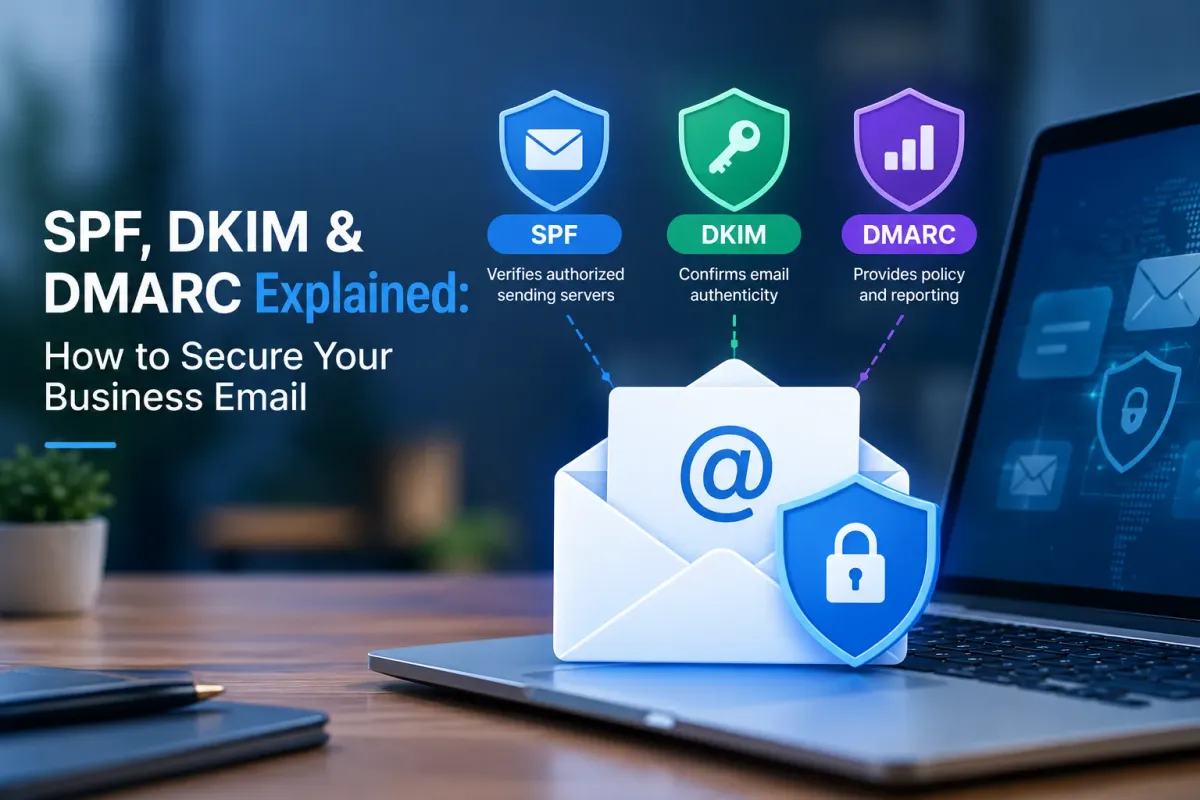
SPF, DKIM & DMARC Explained: Secure Business Email
Business email is a common target for cybercriminals who send fake messages to steal information, request payments, or impersonate trusted companies. Without proper protection, attackers can make emails appear to come from your business domain.
SPF DKIM DMARC are three email authentication protocols that help verify legitimate senders, prevent domain spoofing, and strengthen business email security.
What Is SPF, DKIM, and DMARC?
SPF, DKIM, and DMARC work together to help receiving mail servers verify whether an email is genuinely authorized by the domain it claims to come from.
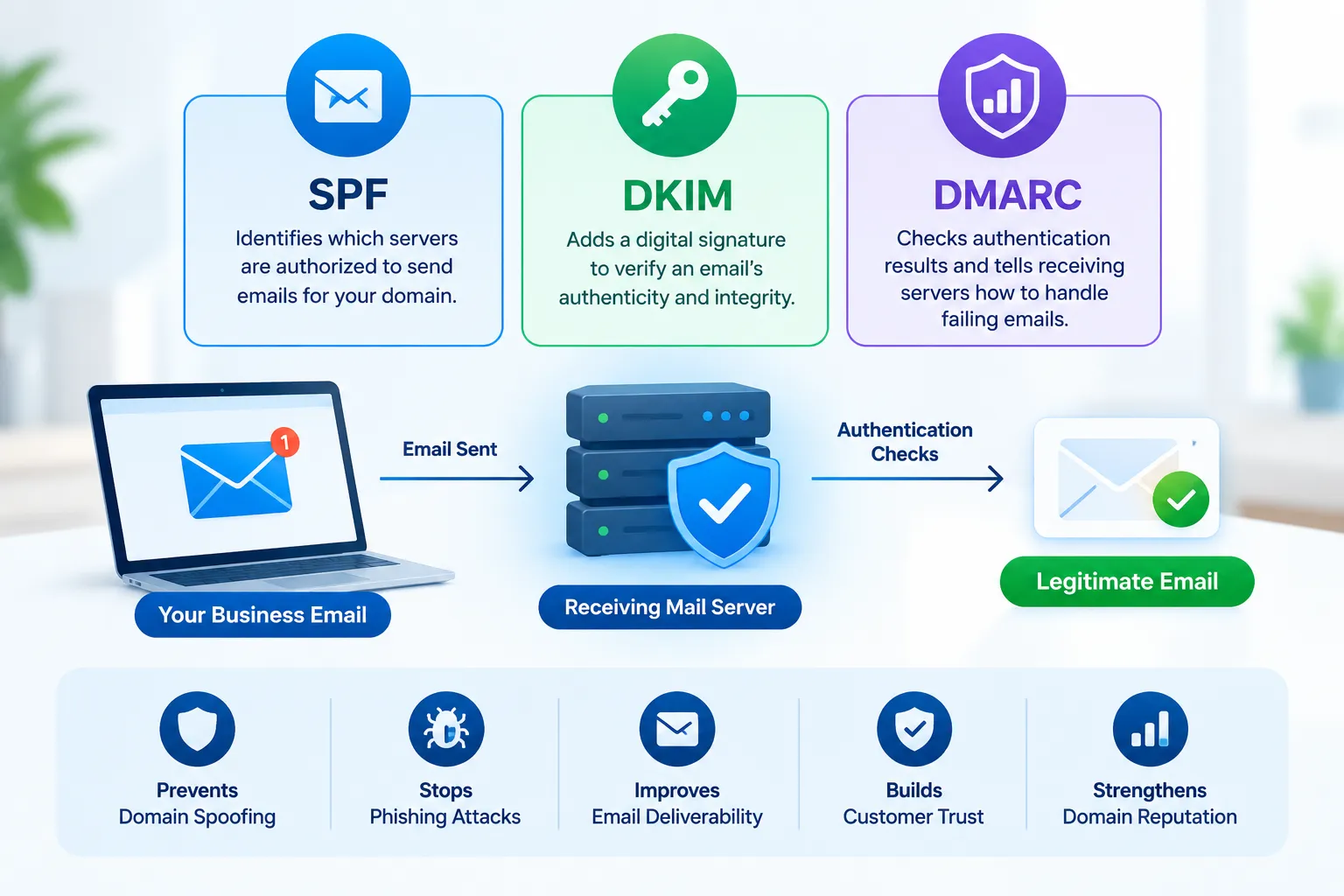
SPF (Sender Policy Framework): Identifies which servers are authorized to send emails for your domain.
DKIM (DomainKeys Identified Mail): Adds a digital signature that helps verify an email's authenticity and integrity.
DMARC (Domain-based Message Authentication, Reporting, and Conformance): Tells receiving servers how to handle emails that fail authentication checks.
Together, these protocols help reduce email spoofing and protect your business identity.
How Email Authentication Protects Your Business
Email authentication helps receiving servers distinguish legitimate messages from suspicious ones. It supports business email security by:
Reducing unauthorized use of your business domain.
Protecting customers from fraudulent emails.
Improving trust in your business communications.
Supporting email deliverability.
Identifying authentication failures through DMARC reports.
Understanding SPF, DKIM, and DMARC Records
Each protocol uses a DNS record to provide receiving servers with information about your domain.
SPF Record
An SPF record is a DNS TXT record that lists the servers and services permitted to send emails on behalf of your domain. It helps receiving servers check whether an email comes from an authorized source.
Businesses should include all legitimate email providers in their SPF configuration. A domain should generally have only one SPF record.
DKIM Record
A DKIM record publishes a public key in DNS that receiving servers use to verify digital signatures attached to outgoing emails.
This helps confirm that an email was authorized by the signing domain and that its signed content has not been altered.
DMARC Record
A DMARC record builds on SPF and DKIM by checking whether at least one authentication method passes and aligns with the domain in the visible From address.
It also defines how receiving servers should handle emails that fail authentication:
p=none: Monitor authentication results without requesting enforcement.
p=quarantine: Ask receiving servers to treat failing emails as suspicious.
p=reject: Ask receiving servers to reject emails that fail DMARC.
Businesses can start with monitoring before applying stricter policies.
How SPF, DKIM, and DMARC Work Together
These protocols perform different checks during email delivery:
SPF checks the sending server: It verifies whether the server is authorized by your SPF record.
DKIM verifies the signature: It checks the email's digital signature using the public key in DNS.
DMARC checks alignment: It verifies whether SPF or DKIM passes and aligns with the visible From domain.
The DMARC policy applies: The receiving server follows the domain's policy for messages that fail authentication.
This combination makes it harder for attackers to impersonate your business domain.
How to Set Up SPF, DKIM, and DMARC Records
Setting up these records requires access to your domain's DNS settings and your email provider's configuration instructions.
Identify Your Email-Sending Services
List all platforms that send emails using your domain, including business email providers, marketing tools, websites, and automated notification systems.
Configure Your SPF Record
Get the recommended SPF value from your email provider and publish it as a DNS TXT record. Check for an existing SPF record before adding another one.
Enable DKIM
Generate or obtain your DKIM keys through your email provider. Add the supplied DNS record and verify that outgoing emails are being signed correctly.
Publish Your DMARC Record
Create a TXT record under _dmarc with a monitoring policy, such as p=none. Add a reporting address if you want to receive authentication reports.
Review the results and fix any legitimate sending sources that fail authentication before moving to quarantine or reject policies.
Test and Monitor Your Records
Use email authentication testing tools and review DMARC reports regularly. Update your records whenever you add or change an email service.
Common Email Authentication Mistakes
Incorrect configurations can cause legitimate emails to fail authentication. Avoid these common mistakes:
Publishing multiple SPF records for one domain.
Forgetting to authorize marketing or automated email platforms.
Using incorrect DKIM keys or selectors.
Applying a strict DMARC policy before testing.
Ignoring authentication reports.
Failing to update DNS records when services change.
Regular checks help maintain reliable email delivery and stronger protection.
Conclusion
SPF DKIM DMARC helps businesses protect their domains from unauthorized email use. SPF verifies sending servers, DKIM checks message signatures, and DMARC provides reporting and enforcement.
Configuring all three correctly and reviewing them regularly can reduce spoofing risks, protect customers, and strengthen business email security.
Frequently Asked Questions
What is SPF, DKIM, and DMARC in simple terms?
SPF verifies authorized sending servers, DKIM checks digital signatures, and DMARC defines how receiving servers handle emails that fail authentication.
Do businesses need all three protocols?
Using all three provides more complete protection. SPF and DKIM perform separate checks, while DMARC adds alignment, reporting, and policy enforcement.
What happens without a DMARC record?
Your domain will not have a published DMARC policy or DMARC reporting instructions. SPF and DKIM may still work, but you lose DMARC's additional protection against domain impersonation.
Can email authentication improve deliverability?
Proper authentication can help receiving servers trust legitimate emails. However, inbox placement also depends on sender reputation, message content, and recipient engagement.
How long does setup take?
Setup time depends on your email provider, DNS access, and number of sending services. DNS changes may also take time to propagate.
What is the difference between SPF and DKIM?
SPF checks whether a sending server is authorized, while DKIM verifies a digital signature attached to the email.
What should a DMARC record contain?
A basic DMARC record includes a version and policy, such as v=DMARC1; p=none. Optional reporting settings can also be added.
Should businesses start with a reject policy?
It is generally better to begin with monitoring, review authentication reports, and fix configuration issues before enforcing a strict policy.
Can these protocols stop all phishing emails?
No. They help prevent attackers from impersonating your domain but cannot stop every phishing attempt. Employee awareness, email filtering, and account security are also important.
Who should manage email authentication?
An IT administrator, email security specialist, or managed IT service provider can configure and monitor SPF, DKIM, and DMARC records.